
Free link in bio page
All your links, one page. Free, with no sign-up.
Add your photo, a short bio and every link worth tapping. Preview it on a phone, and go public when you are ready.
Free, no sign-up, no ads. Delete your page whenever you like.
Also an app for your phone
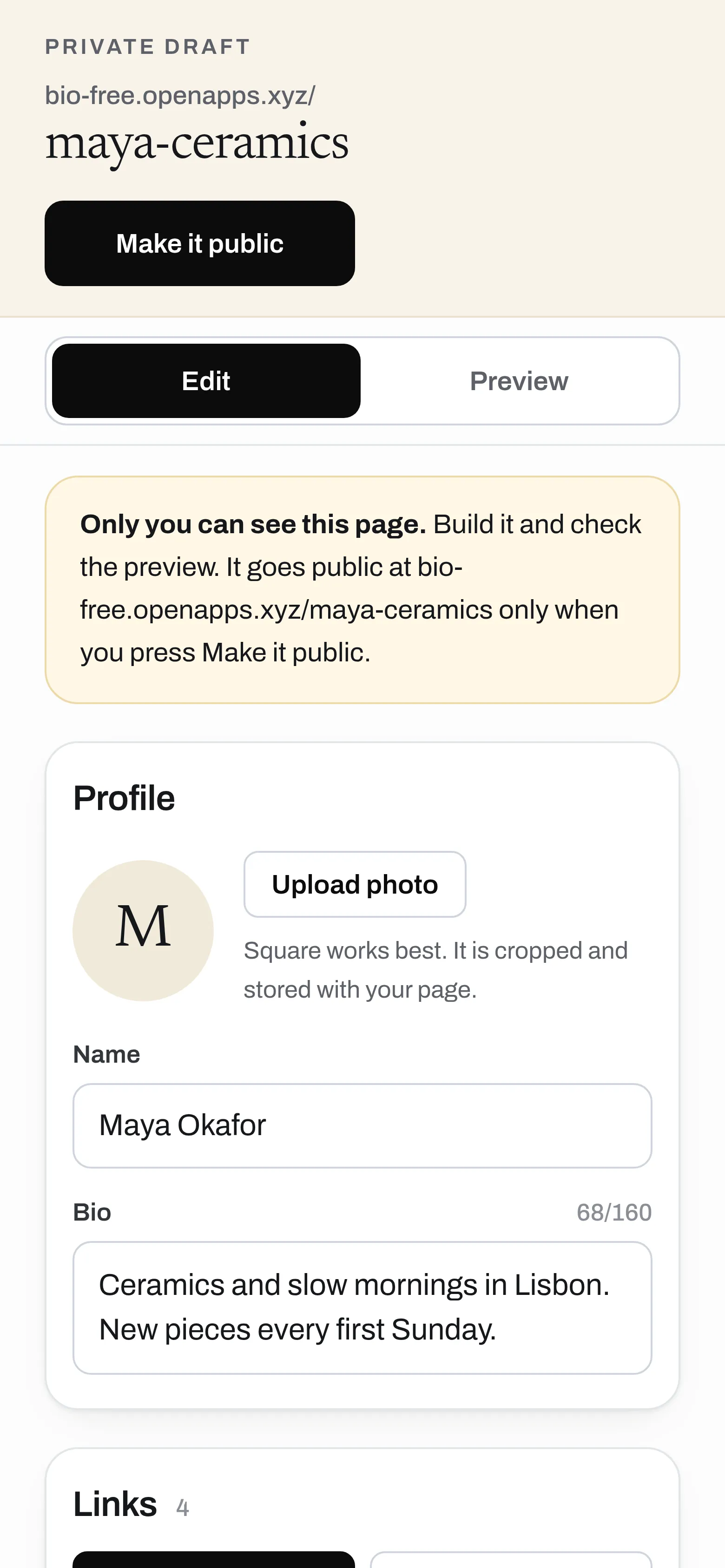
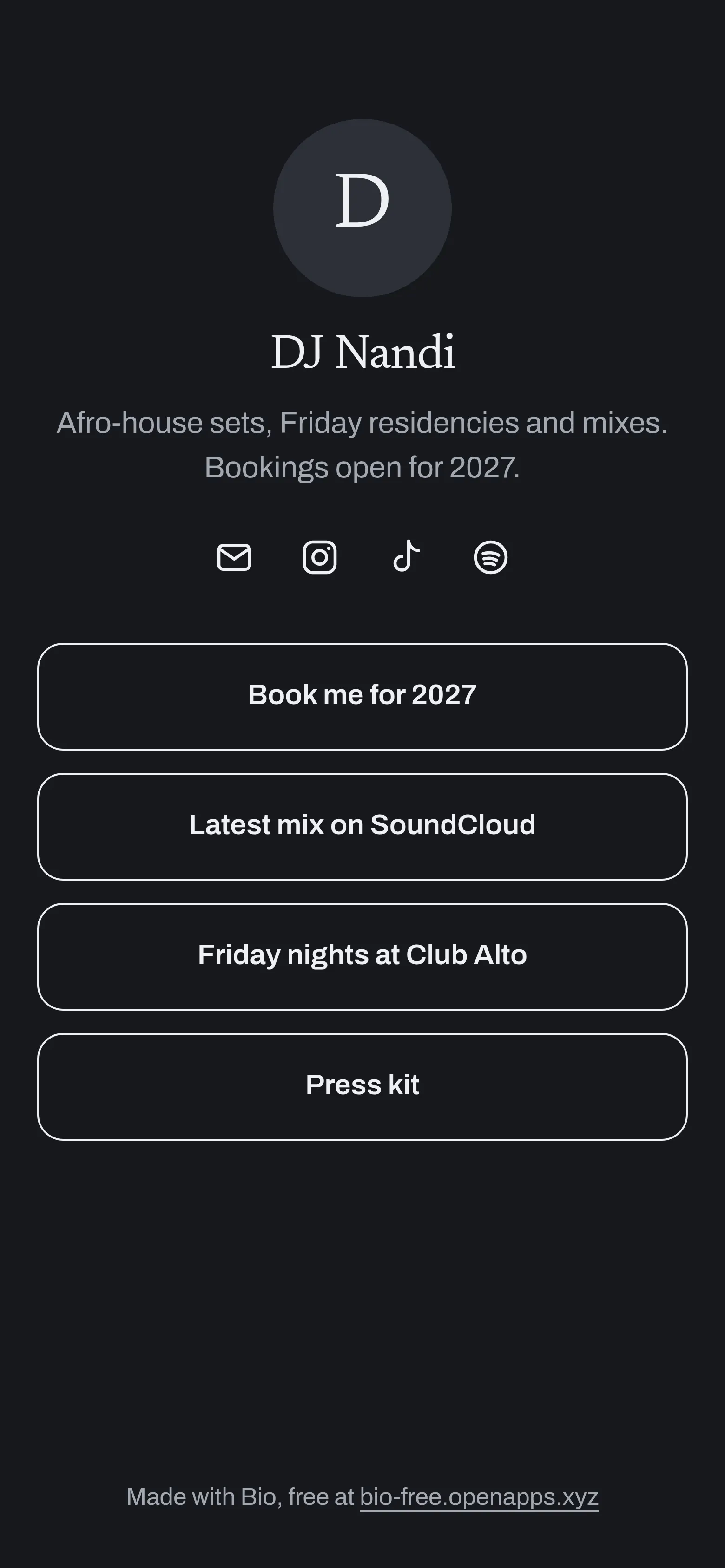
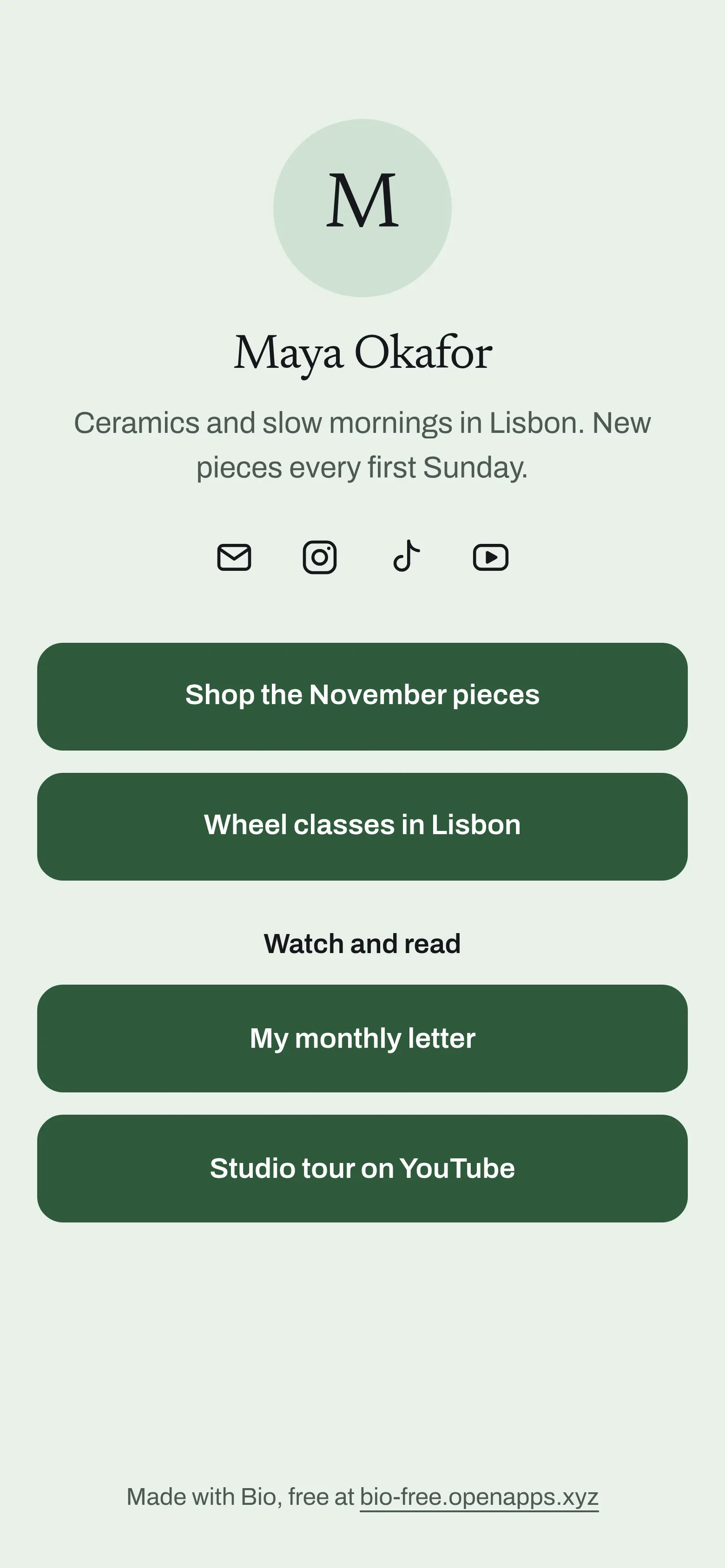
Example pages, shown in the real app.
How it works
Pick your address
Choose the name after the slash, like /yourname. It is yours at once, with no account, and the page stays private.
Build and preview
Add a photo, a line about you, your links and social icons. Drag links into order, pick a theme, and check the phone preview.
Make it public
When you are happy, make it public and paste the address into Instagram, TikTok, YouTube or anywhere else.
What you get
Up to 50 links and headers
Group links under headers and hide a link without deleting it.
Views and clicks
See how often your page opened and each link was tapped. Counts include repeat and automated visits.
Five looks, all free
Paper, ink, cobalt, sage or night, with filled or outline buttons.
QR code
Download your page's QR code for flyers, menus and table cards.
Yours to delete
Delete a page, or every page and your account, in a few taps.
Bio compared with Linktree and Beacons
| Bio | Linktree | Beacons | |
|---|---|---|---|
| Paid plans | None | Starter, Pro and Premium | From $10 a month |
| Fee on sales | None, Bio sells nothing | See their pricing page | 9% on the free plan |
| Analytics | Views and clicks, free | Basic free, advanced from Pro | Real-time, free |
| Branding | Small line, one switch | Removable on Premium | Not listed on its pricing page |
| Selling products | No | Monetisation tools from Pro | Yes |
Checked on 6 November 2026 on Linktree's pricing page and Beacons' pricing page. Linktree shows prices in local currency and changes plans often, so check there for today's numbers. Linktree and Beacons do more than Bio. If you sell from your link page, use one of them. If you want a clean page of links, Bio does that for free.
Questions
Is Bio really free?
Do I need an account?
Is my page public right away?
Can I delete my page?
Can I see who clicked my links?
How do I put it in my Instagram or TikTok bio?
Can my AI assistant make a page for me?
Use an AI assistant?
An assistant can build, change and delete your page through Bio's public API, with no key. See how it works for assistants.